It's a really special day that I get to wake up at 3:45am to go up a skyscraper and pretend to be from the future.
Earlier this year we were lucky enough to work with the amazing Simon Edwards and run the End Zone for Midnight Madness in London. It was great fun getting to staff this furiously enjoyable event, and to have the creative licence to design some puzzles that are really quite hard! Midnight Madness is a competition, so the puzzles are a step above your traditional escape room in terms of difficulty.
So what's all this about red reveals?
You've probably seen them before: hidden text or secret content you can only see when you view it through a red filter. We decided for our zone that all the puzzles would have a red reveal element to tie them together. On arrival players received a "ChronoLens" made of red acrylic which they would use multiple times to find the secret content.
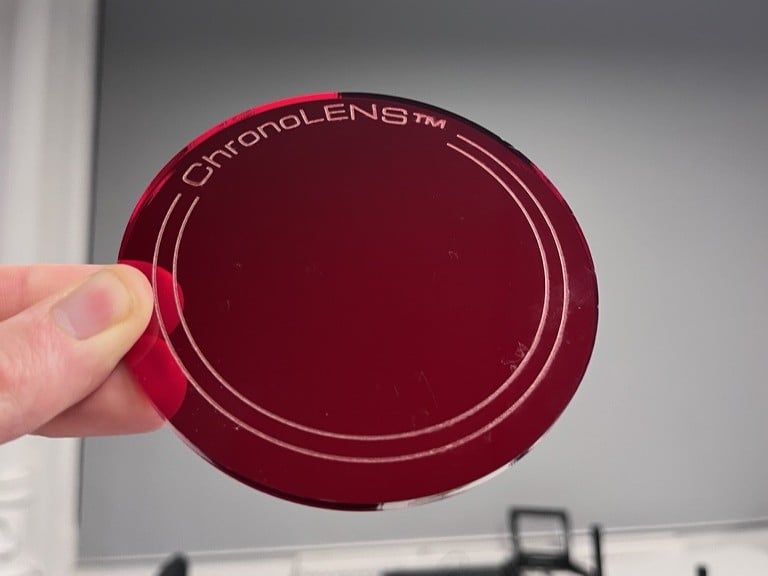
Turns out there are several different flavours of red reveal, and a fair ol' bit of nuance to how you construct one. So here is our tech deep dive into how to make them.
But I don't have a red filter!
Fear not: you can use your phone!
Dan Wilson has made a great simulator which uses your phone camera instead of a physical piece of plastic. https://codepen.io/danwilson/pen/zpZPJm
How do they work?
(Skip this if you just want the practicalities)
So how do these work in the first place?
Going back to school for a second - remember this diagram:
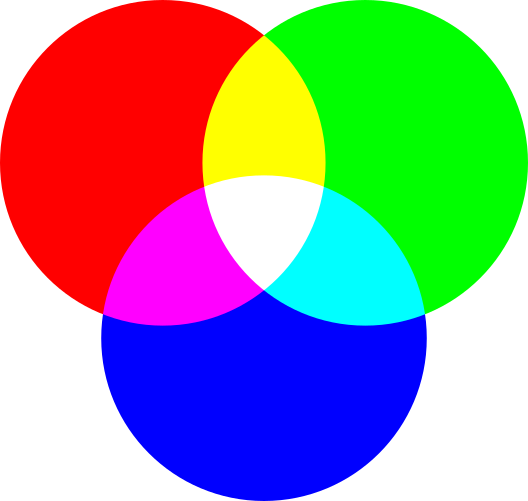
When you mix red light and green light you get yellow, green plus blue makes cyan, and so on.
The red filter has the effect of filtering out all the green and blue light from the image, so all you would see is:
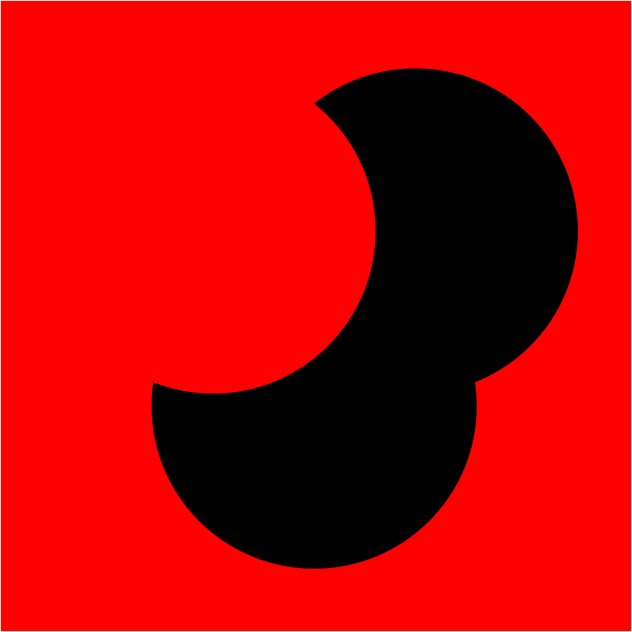
So after the filter gets applied,
White becomes red
Blue and green become black
That suggests there are 2 good ways to hide data in a red reveal:
Put it in blue or green on a white background, and add lots of red noise
Put it in red on a dark background, and add lots of blue and green noise
It's pretty straightforward to make something which reads very clearly under a red filter. What makes a red reveal really effective is the nature of the noise you add in, because that distracts viewers from the actual hidden content until the filter is placed and gives you a really good "wow!" moment.
Why red?
Like, why not blue or green reveals?
They both work in theory but in practice we found that blue or green filters are just not very good. Green filter tends to be very leaky and let through lots of red and blue light, so you can't get the reveal working properly. Blue filter works super well but the eye perceives blue light to be less luminous than red light - so in other words, it's so dark you can hardly see it.
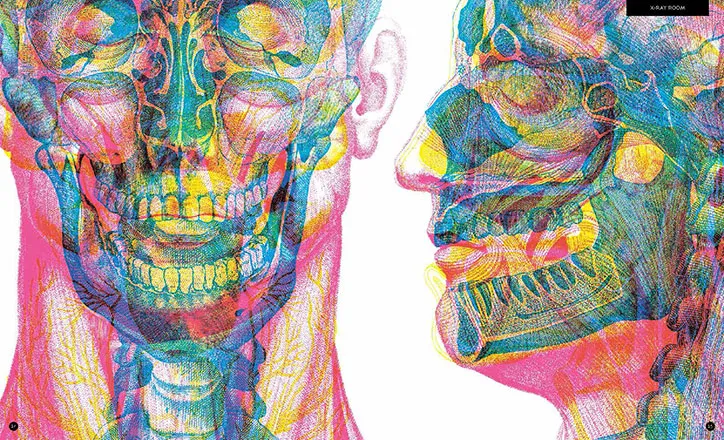
If you want to see all 3 colours working side by side, carnovsky has a whole series of books where you get 3 colour filters and different results when you view each. They're beautiful and impressive, but the red by far is the best one.
But surely this doesn't work if you're colourblind?
It absolutely works if you're colourblind!
Ask a colourblind friend if you're unsure, but they'll basically see the same thing a non-colourblind person will see: an image with dark areas and light areas. There's only one hue across the whole image, so the fact that the colourblind person can't tell the difference between (say) red and green isn't important.
Types of red reveal
On to the good stuff.
We included 3 types of red reveal in our Midnight Madness zone:
"Cyanography": simplest, easiest to make, most reliable, but least impressive
"7-seg-graphy": also very reliable, a bit more involved to make, and quite constrained in terms of design
"Image overlaps": really difficult to get right, especially printed - but when you get it right, it's a true "wow!" moment
Cyanography
I made this word up on the grounds that this is all about the colour cyan.
Why cyan? It's the opposite of red, so it provides the best contrast under the filter. But you have a fair bit of choice over the exact colours - green or blue both work.
An example:
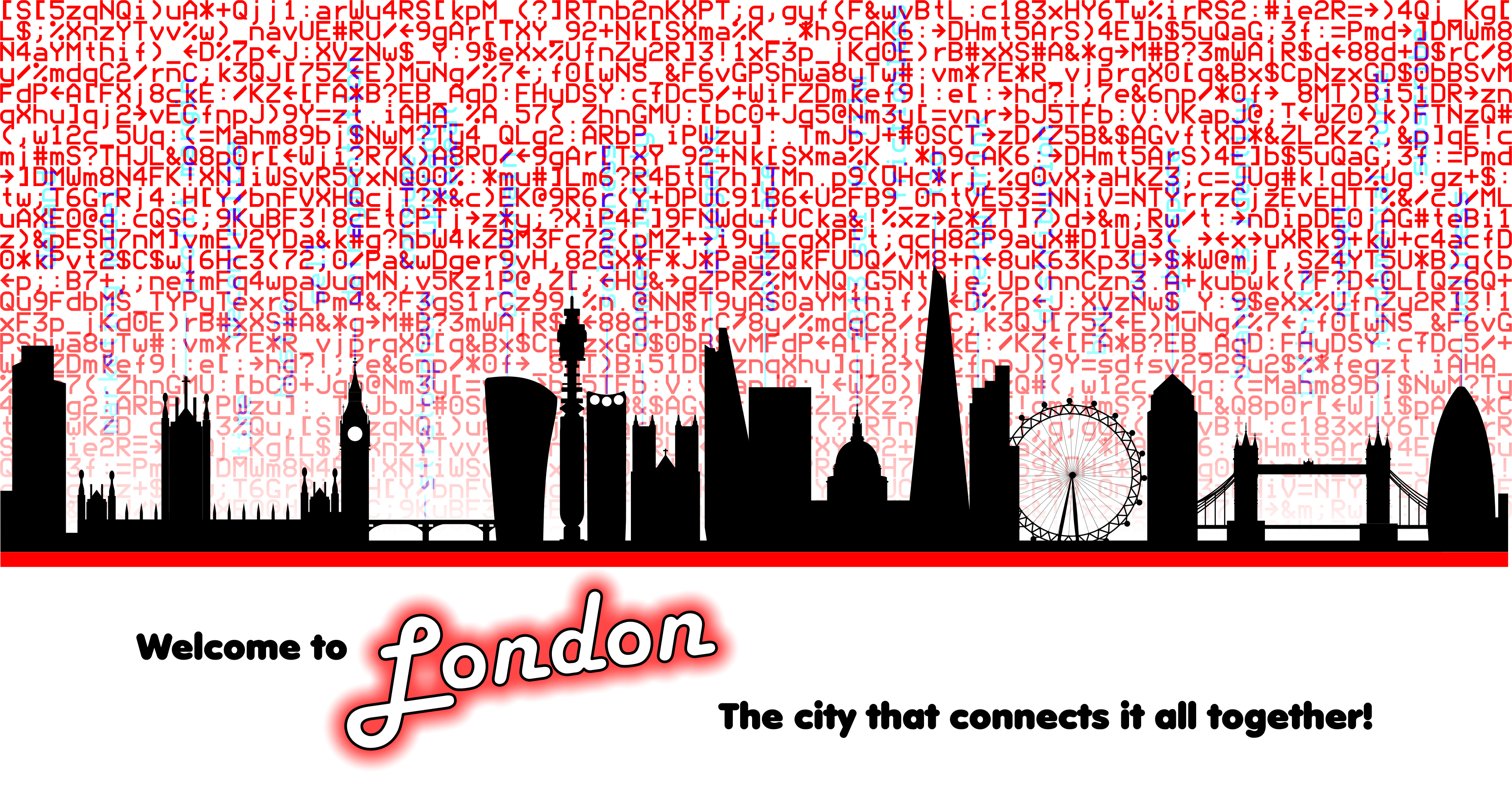
In Inkscape
- Design what you want to appear under the red reveal. It's easiest to hide when it consists of fine lines rather than big blocks of colour, so pick a light font rather than a bold one. Remember: all you'll see through the red reveal will be monochrome, so this part should all be black and white.
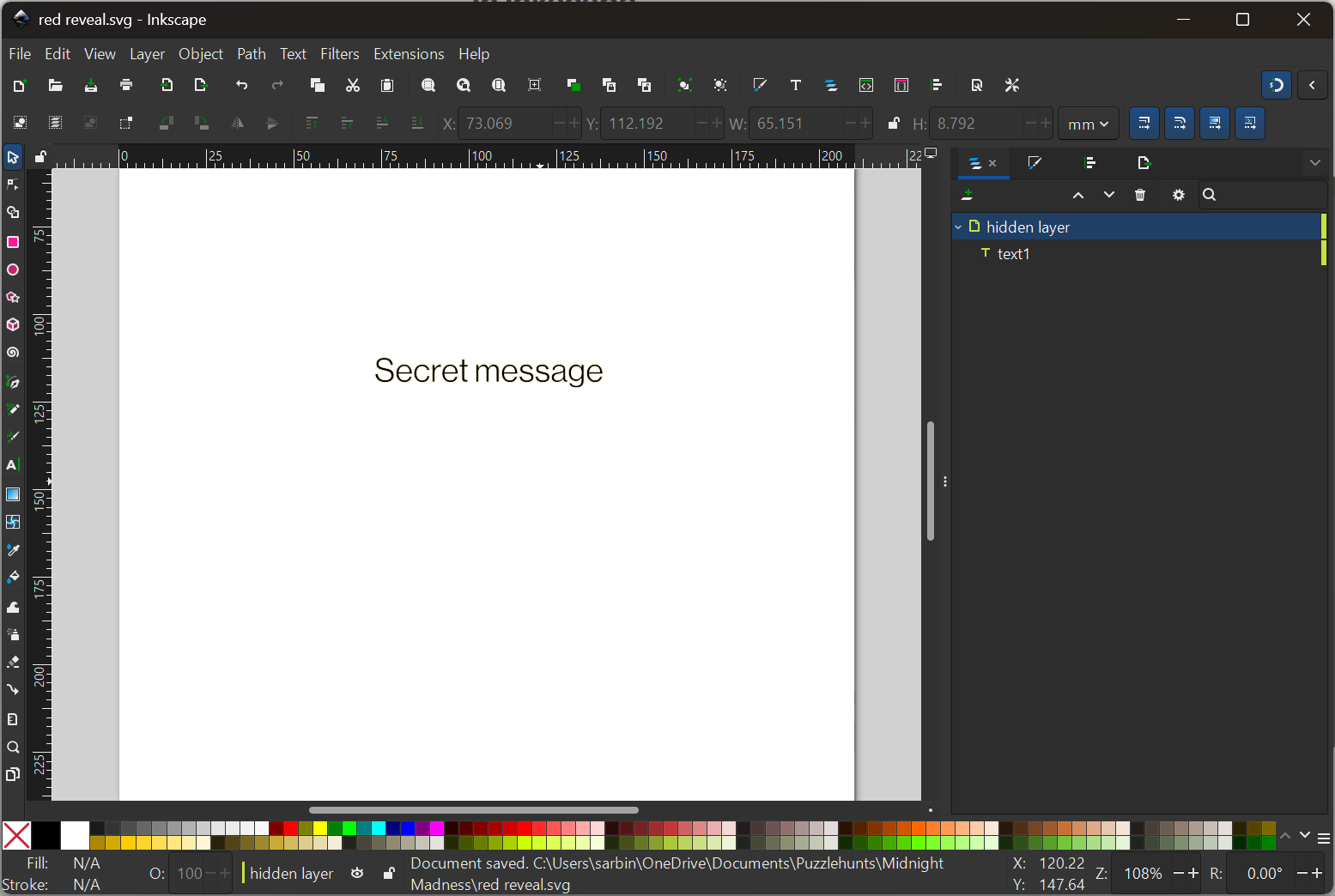
- Put that on one layer. Make it cyan (#00ffff).
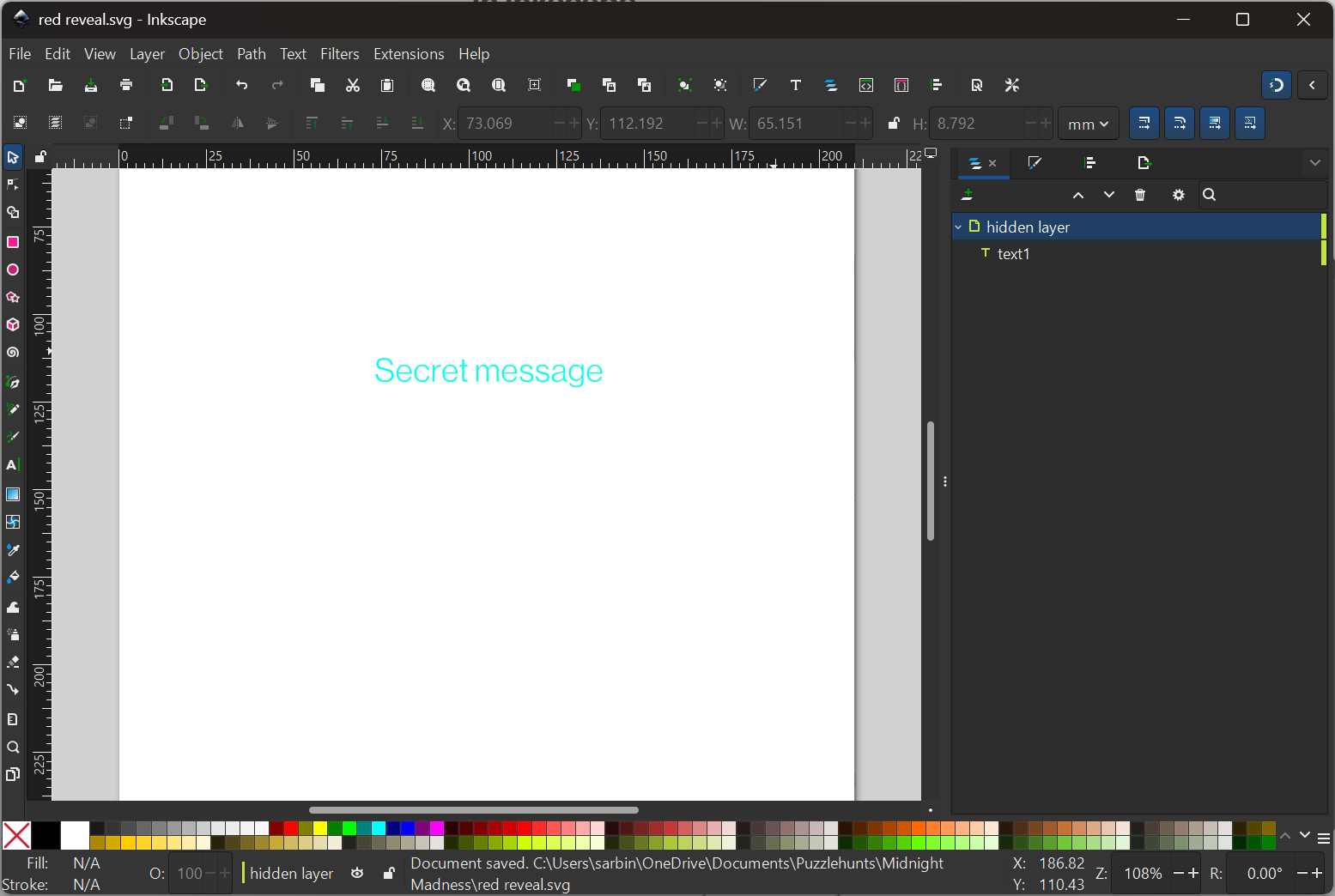
- Make another layer and fill it with noise. In the above example I did text. For this I'll use one of Inkscape's built in pattern fills:
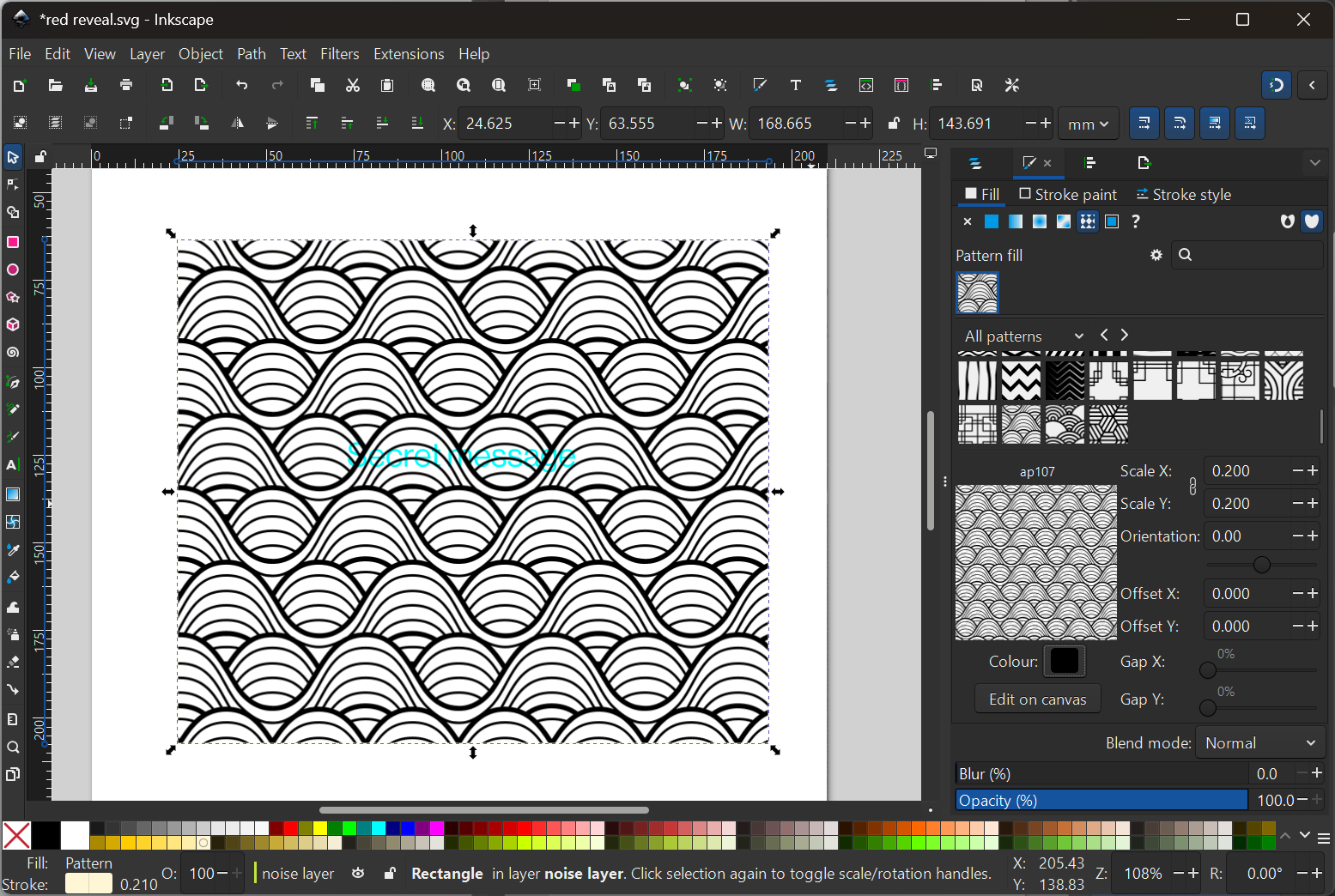
- Colour in the pattern with red, orange or pink. You have a fair bit of choice over the colour, just make sure the first 2 letters of the RGBA code are ff (meaning maximum red).
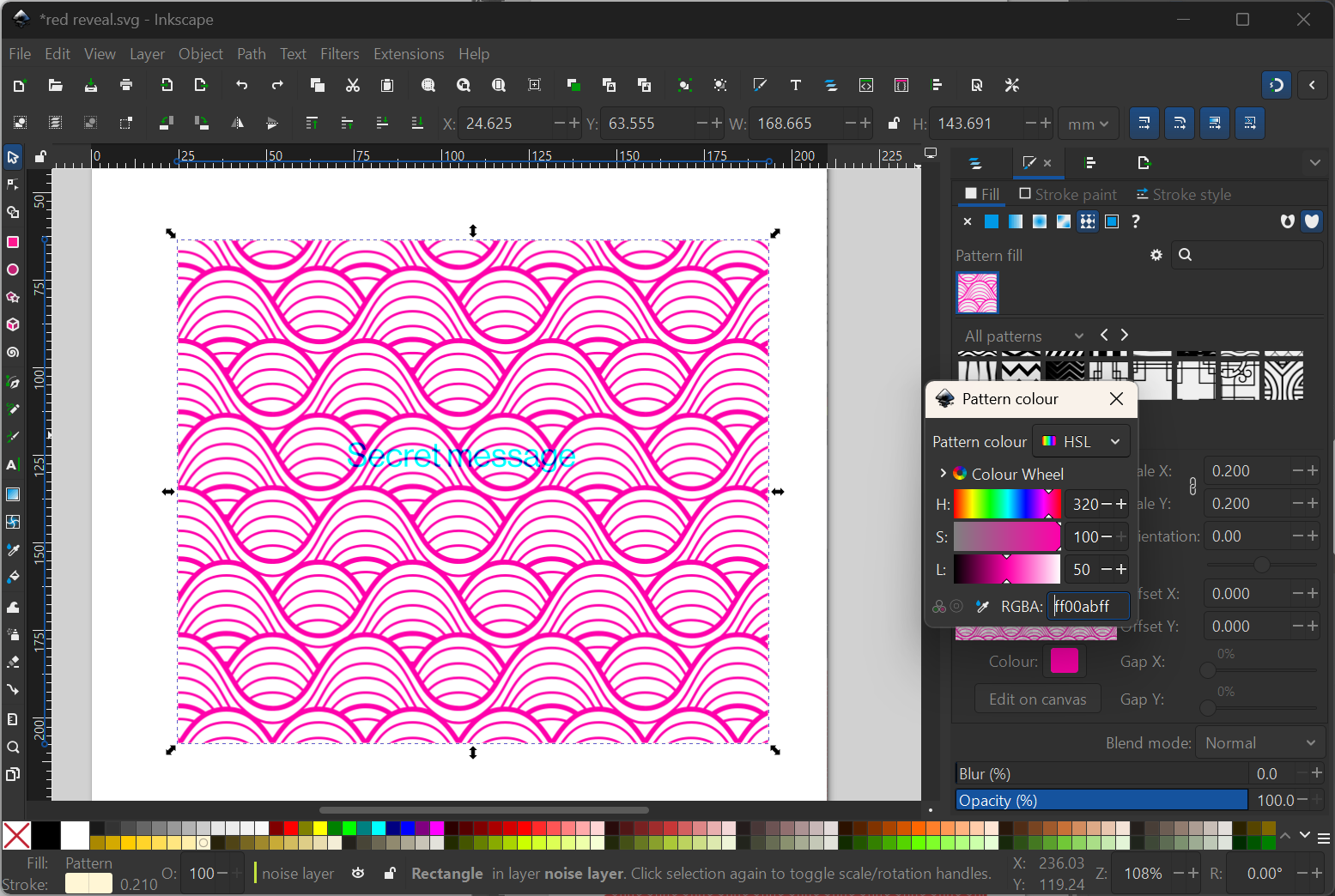
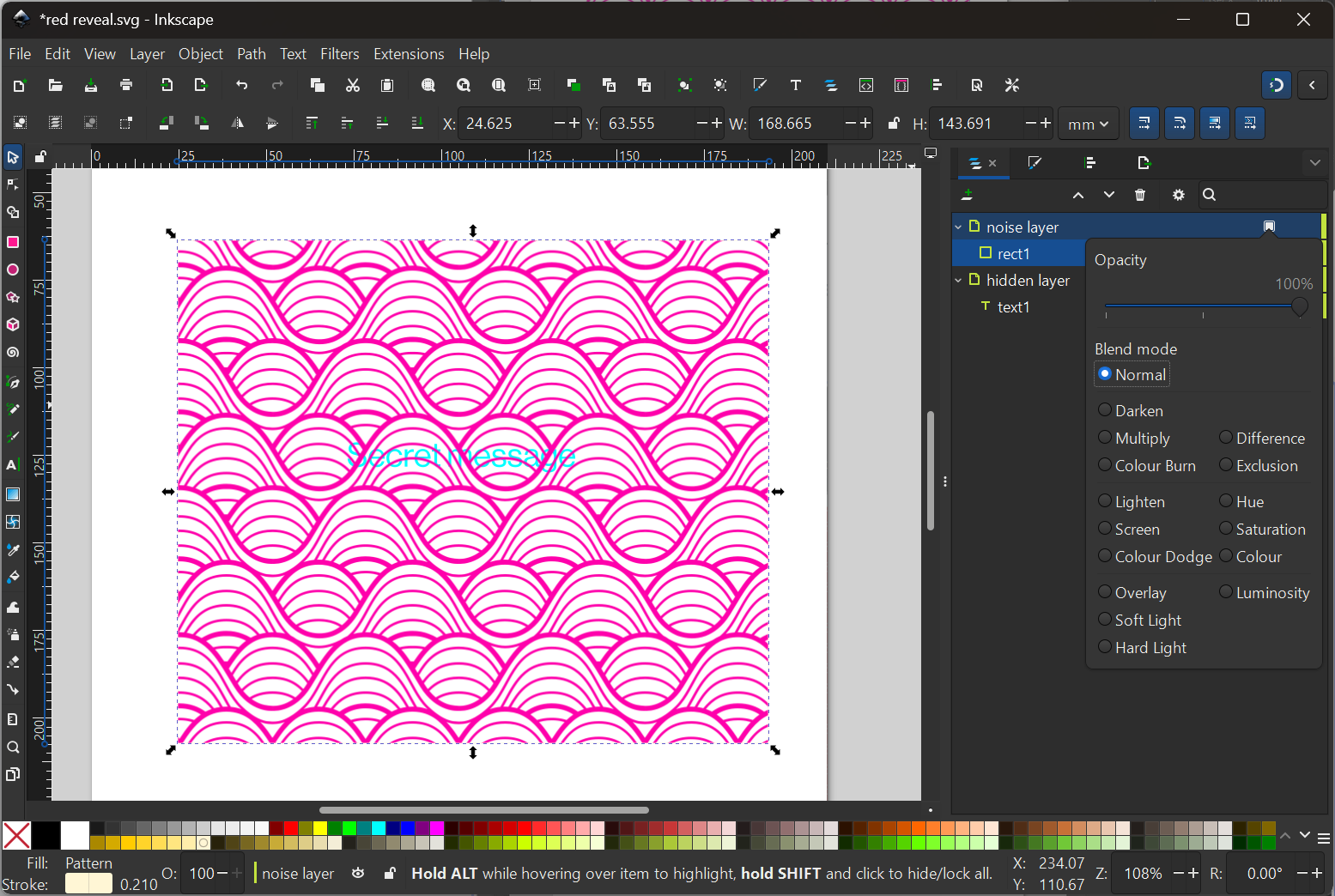
- Now let's go back to the Layers and Objects tab. There's a super tiny square icon when you mouse over the layer. Click that to bring up the "Opacity and blend mode" dialog. Select "Darken".
Now try viewing your secret message in the red filter and it should pop right out.
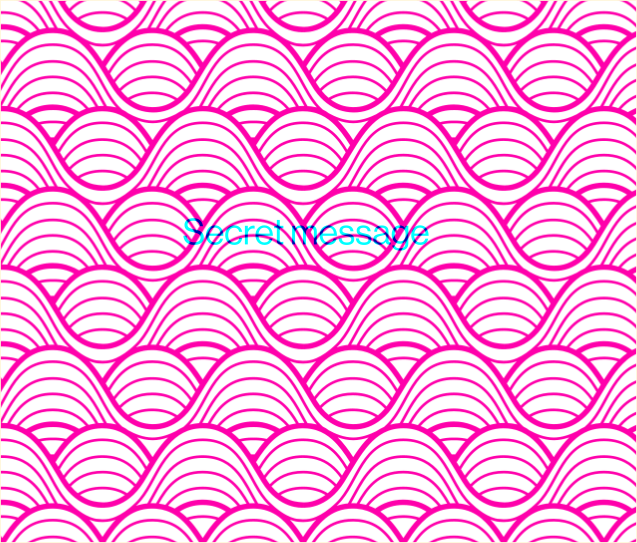
This ain't amazing, you can definitely read the secret message normally. So have a play with your noise, make it less regular and more visually engaging; you can even make it many colours as long as all of those colours have ff as the first 2 characters in its RGBA code.
Does it print?
Yep, this prints reliably.
You will need to do a test print to see how it looks, and it will definitely look different to how it does on screen. This is because on your screen it's RGB colour space but the printer has to convert it to CYMK because its inks are cyan, yellow, magenta and black (K = key). The conversion process can make red reveals look less convincing.
If the secret message is too obvious, try tweaking the colours - print out a tester sheet with many different variations. You could also make the cyan a bit fainter (decrease its opacity) to make it harder to read without the filter.
7-seg-graphy
Props to the wonderful Pinsharp for this idea:
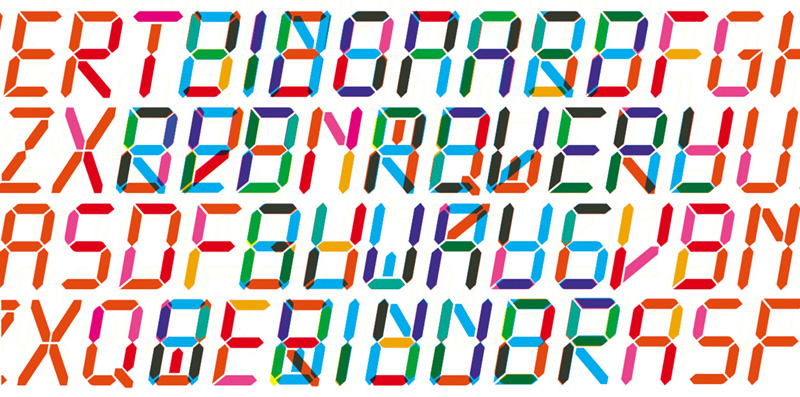
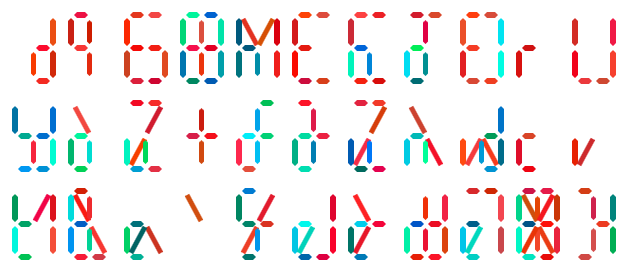
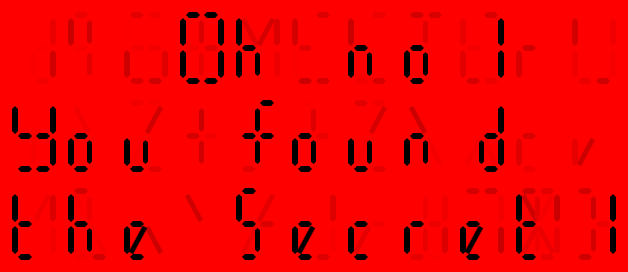
So we're hijacking a 7-segment display like a classic alarm clock to hide the noise in. (Well, more than 7 really, since there are diagonal lines. But close enough.)
The basic theory here is:
Write out your message in the 7-seg format
Colour all the line segments in various shades of blue and green. Make sure they have 0 red - so all their RGBA codes should start with 00.
Write out loads more noise segments both within and around your message.
Colour all of those in various shades of red, pink, orange and yellow. Make sure all their RDGBA codes start with ff.
You could do this by hand in Inkscape but it's probably going to get quite tedious, so we ended up coding together a tool to do it for you. Give it a try here:
https://leekanarchism.github.io/puzzle-tools/red-reveal-message.html
Does it print?
Yes, with similar caveats to the cyanography method.
Image overlaps
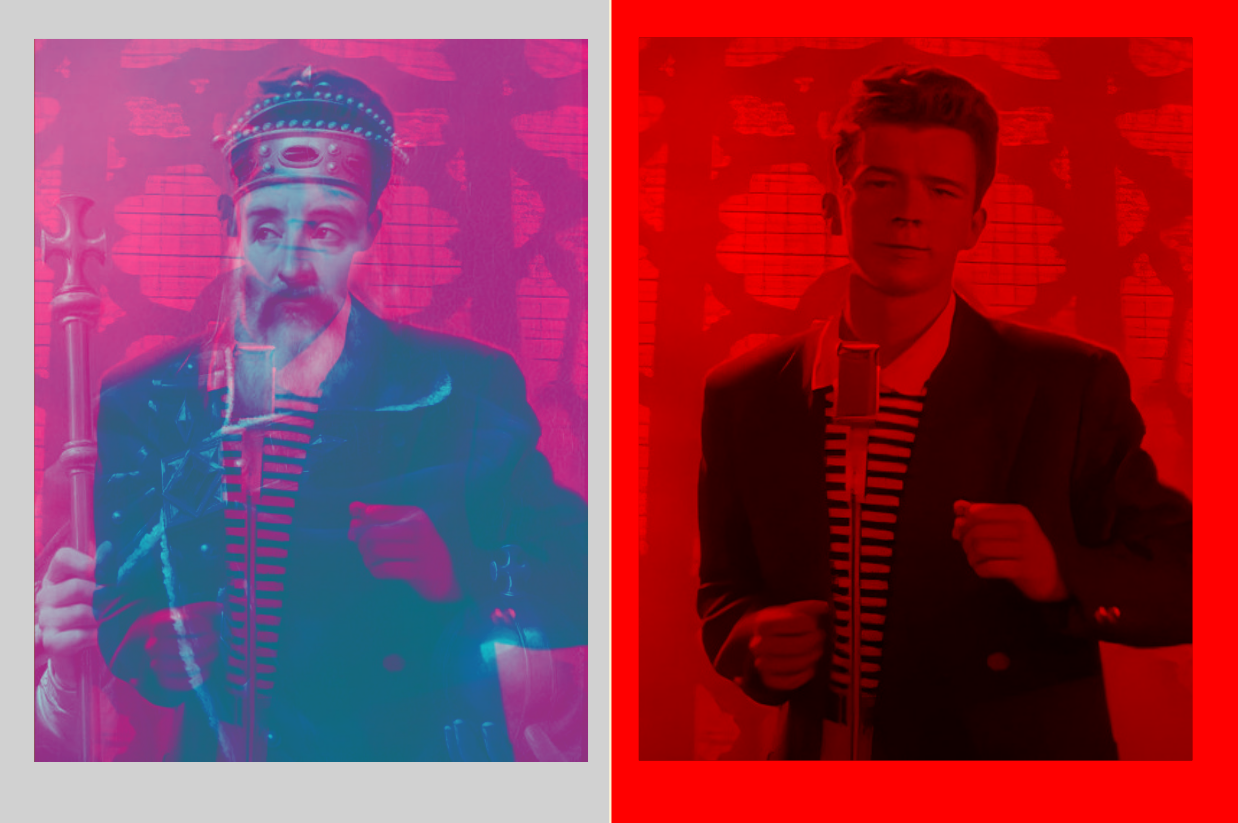
This is the real deal, the holy grail of red reveals: to have a completely different image appear with the filter.
This is also most difficult, because it's all about the noise. You need to choose a really good "distraction" image which will hold viewers' attention until they get the filter out.
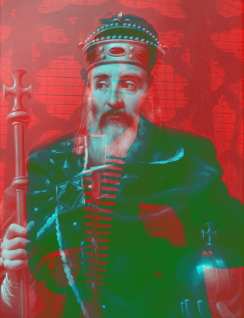
Anyway: let's get the method first -
- Pick the secret hidden image first. Put that on one layer.
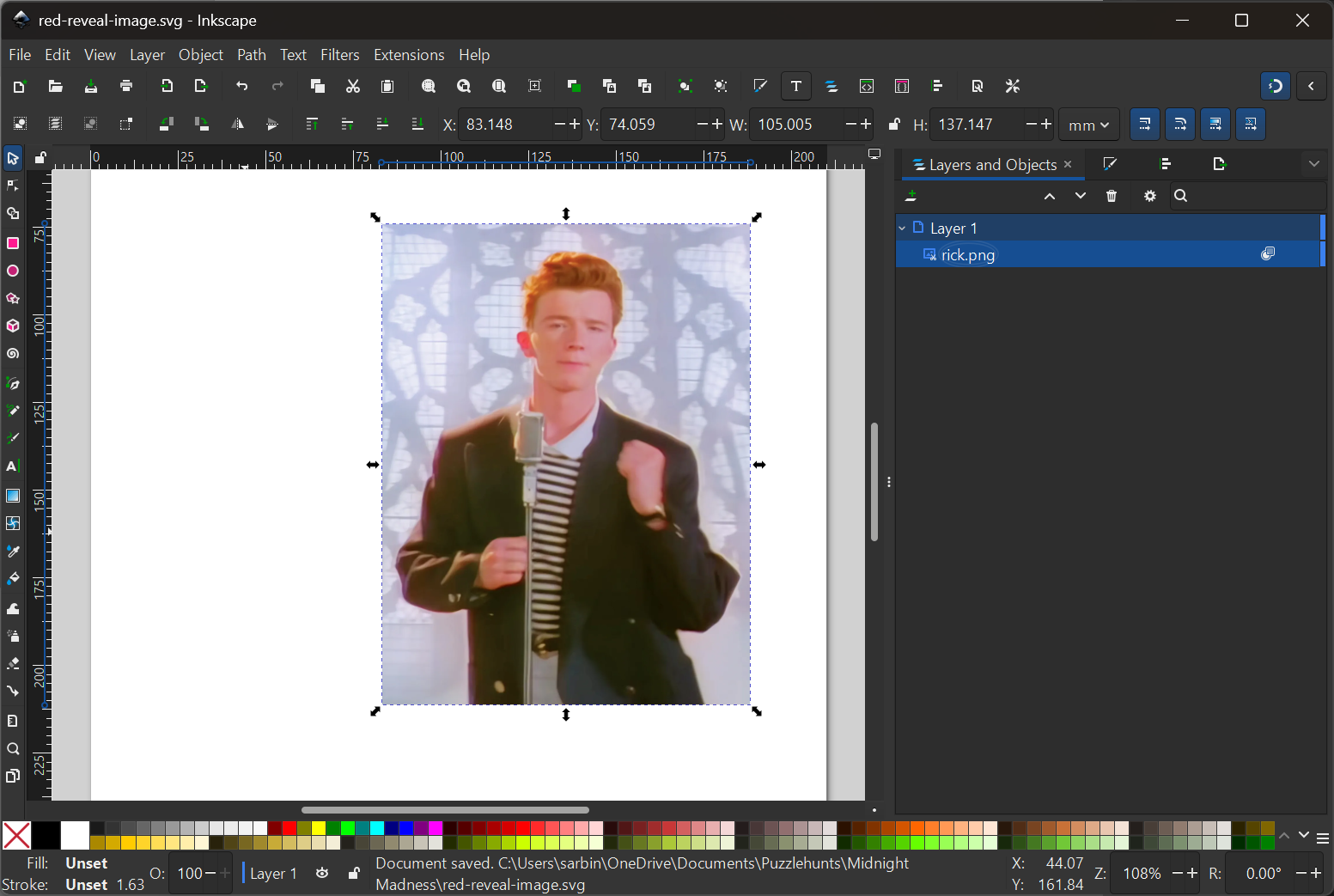
- Now we need to recolour Rick. Hit Filters --> Colour --> Duochrome.
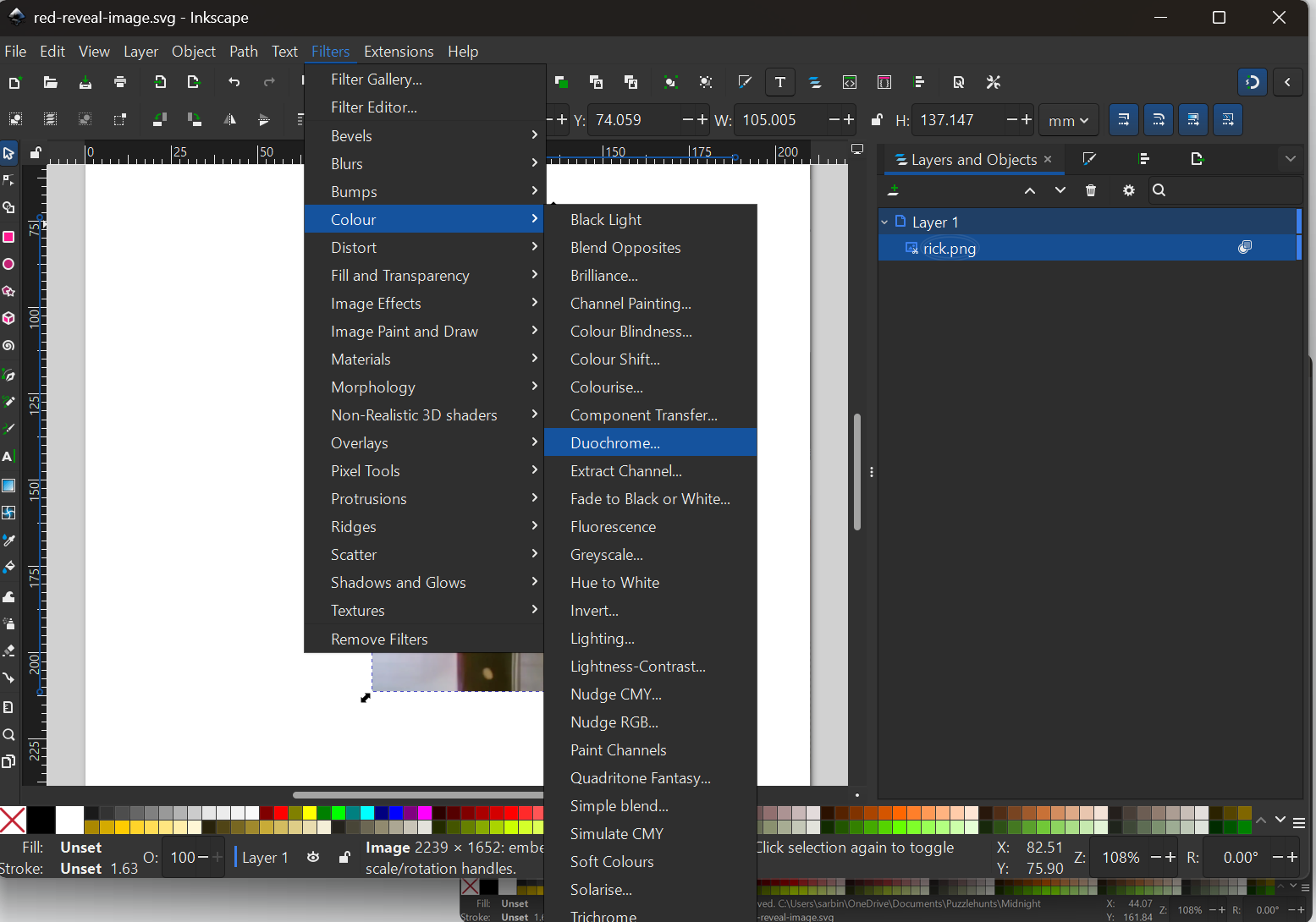
For Colour 1, pick something that will appear dark under the filter, so any colour with 00 as the first 2 letters of its RGBA code. Greens or blues.
For Colour 2, pick something that will appear light under the filter, so something where the first 2 letters of the RGBA are ff. Red, yellow, pink all good. I find something dark is good.
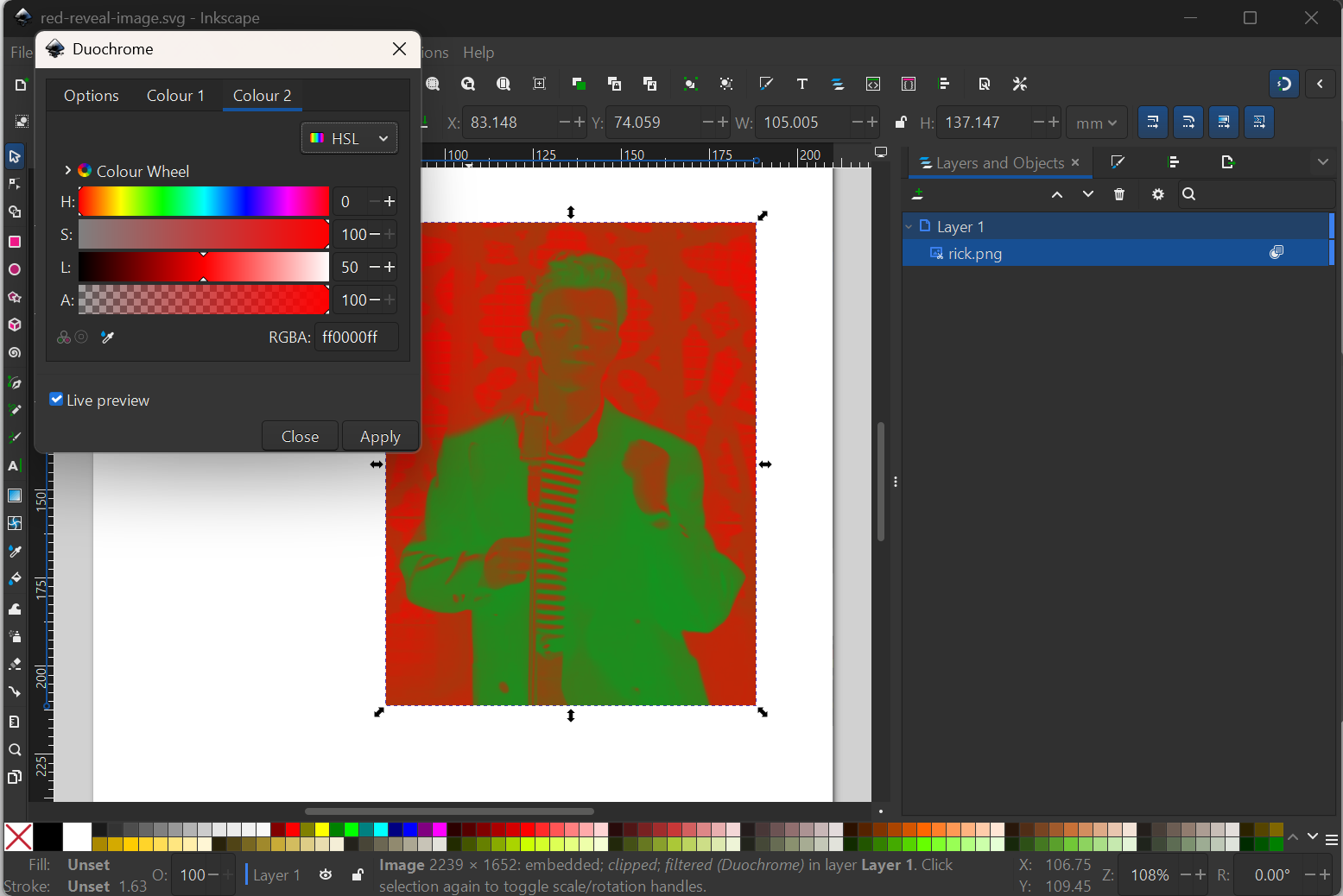
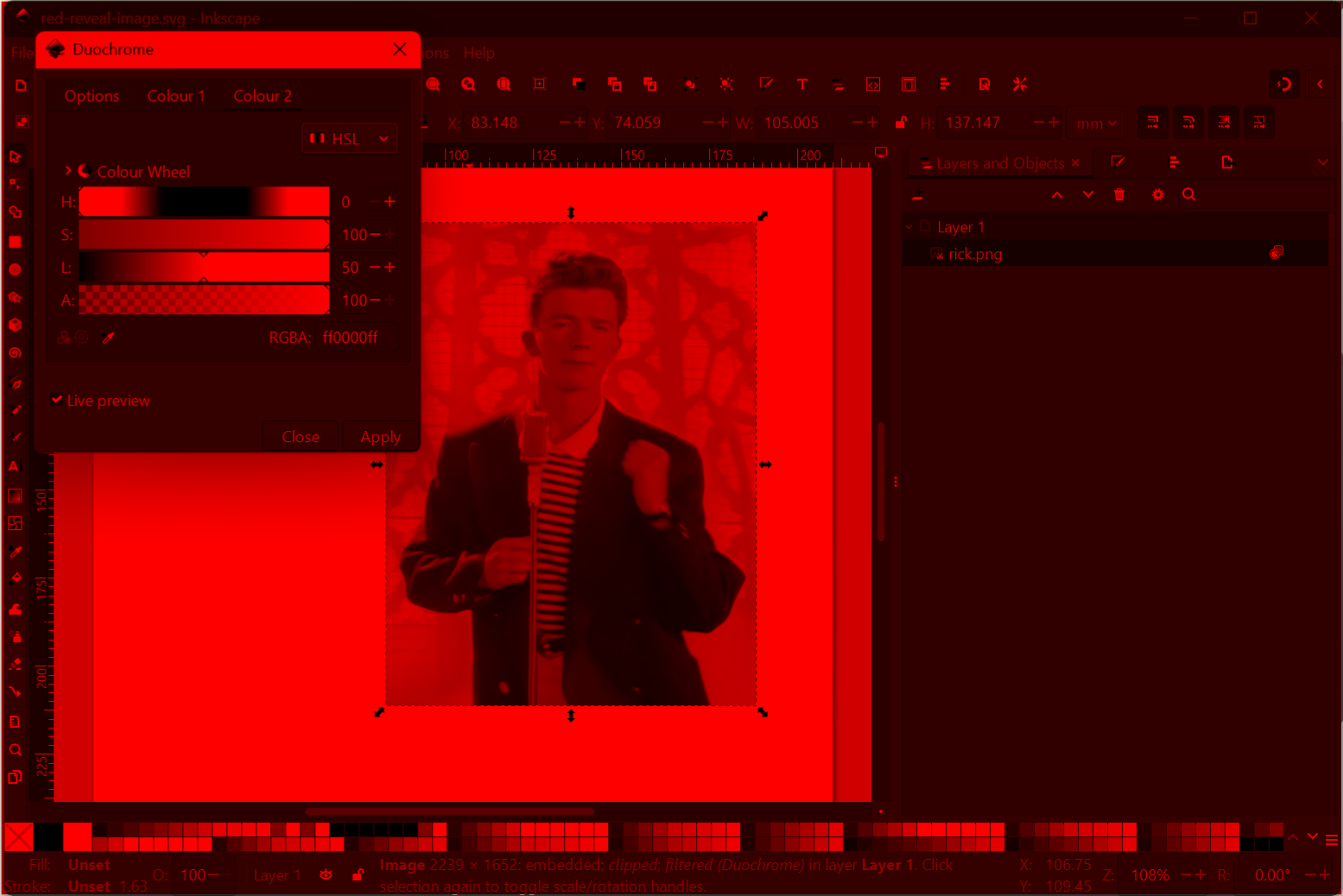
- At this point if you view it through the red filter the picture should look like a normal black and white (well, black and red) version of your image.
- Now let's do the noise image. Try to choose something which has a similar profile of light and dark areas to your secret image, as that will hide yours better.
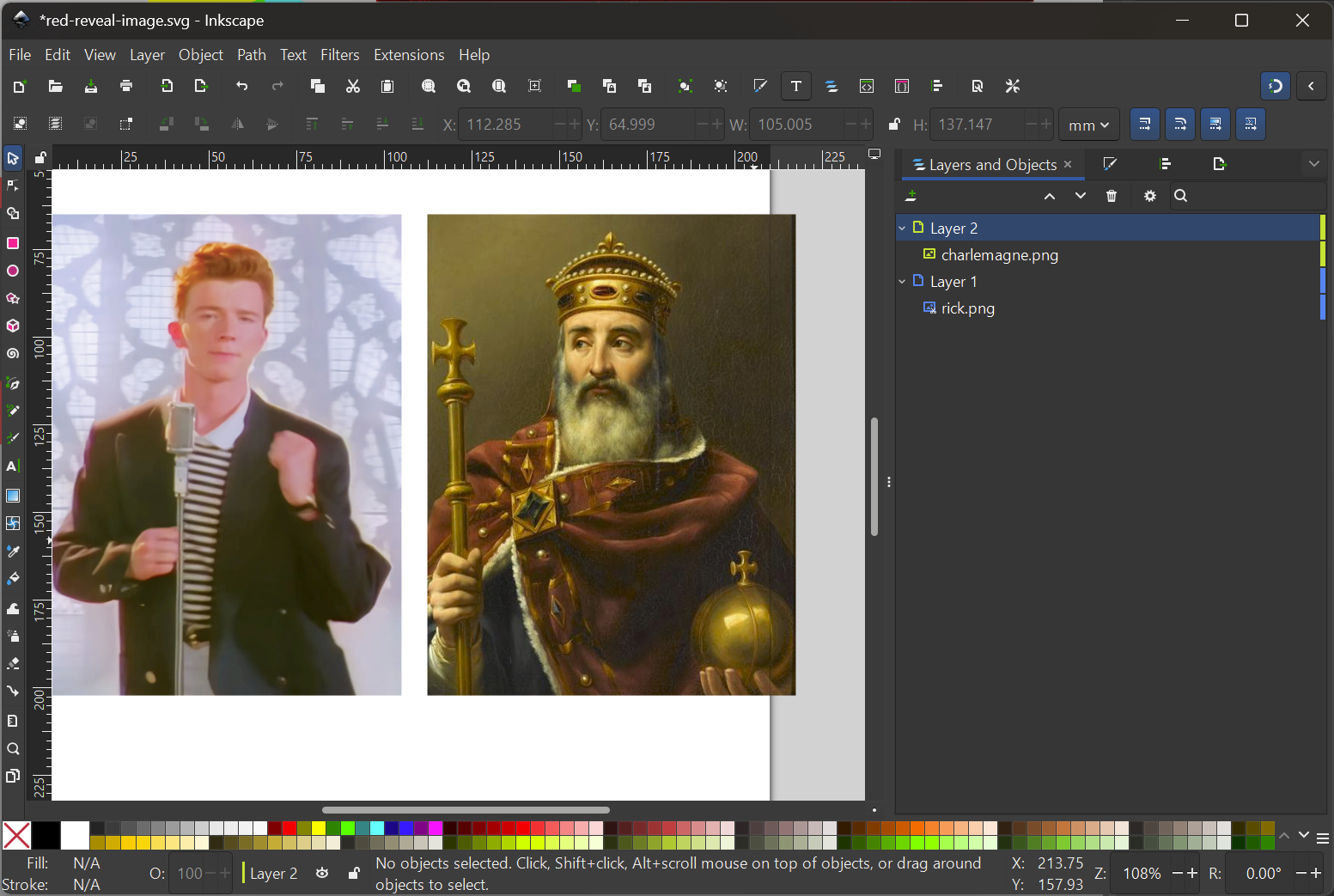
Do Filters --> Colour --> Duochrome again. This time for colour 1 pick something fairly dark with 00 at the start of the RGBA string.
For colour 2 pick something bright, but with 00s at the start of the RGBA string. Cyan works really well here.
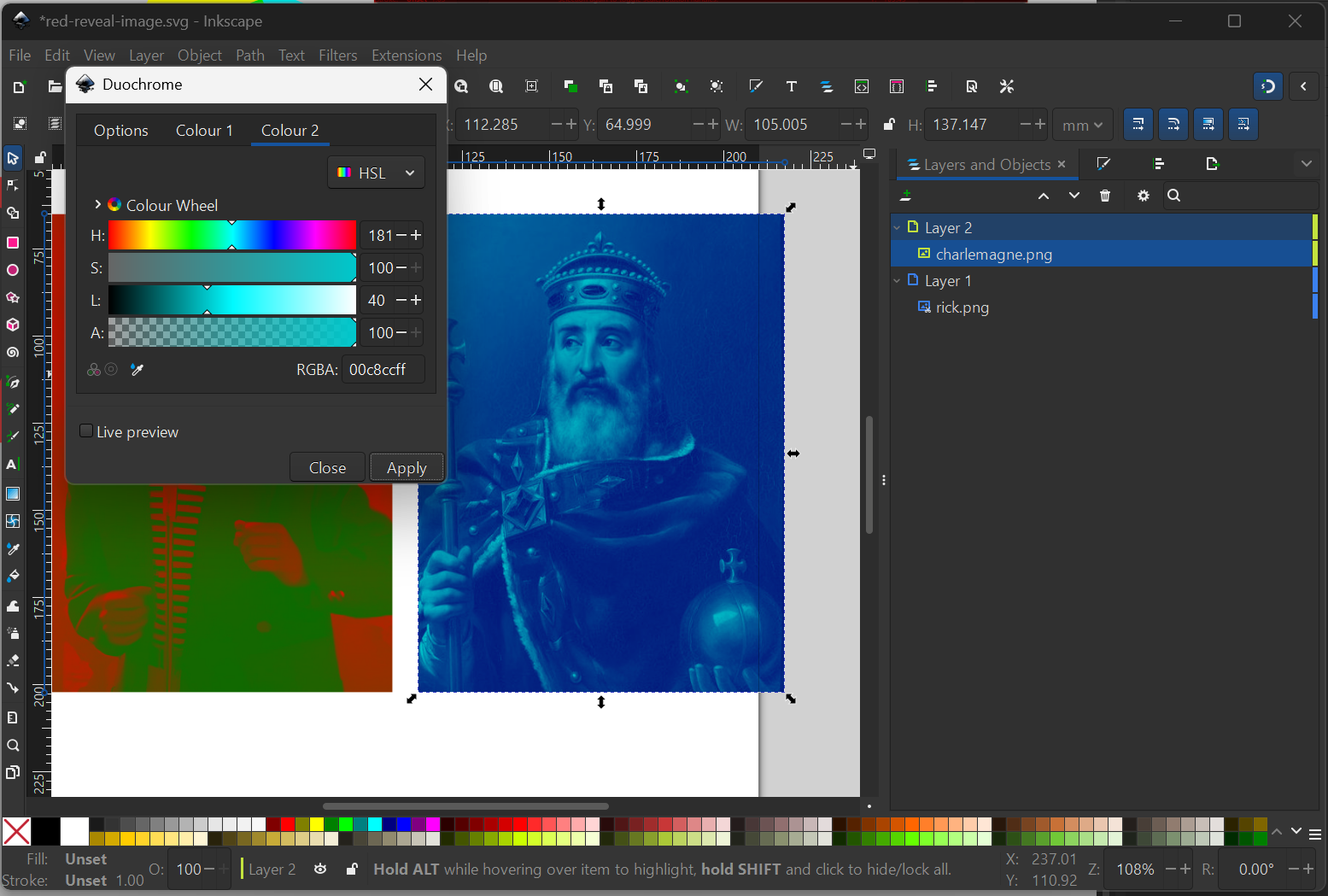
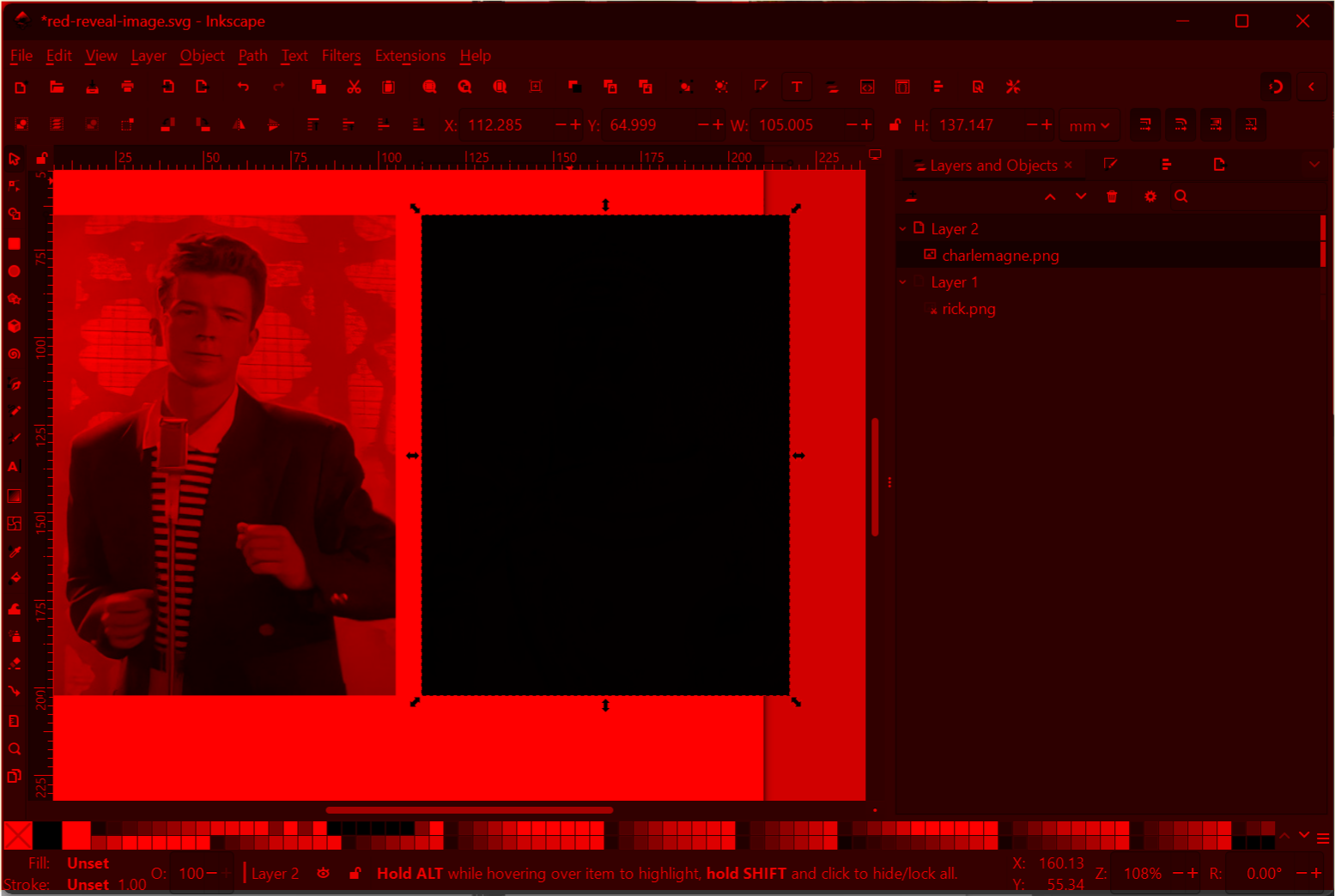
- Now when you view your screen under the filter, your dummy image should be completely black:
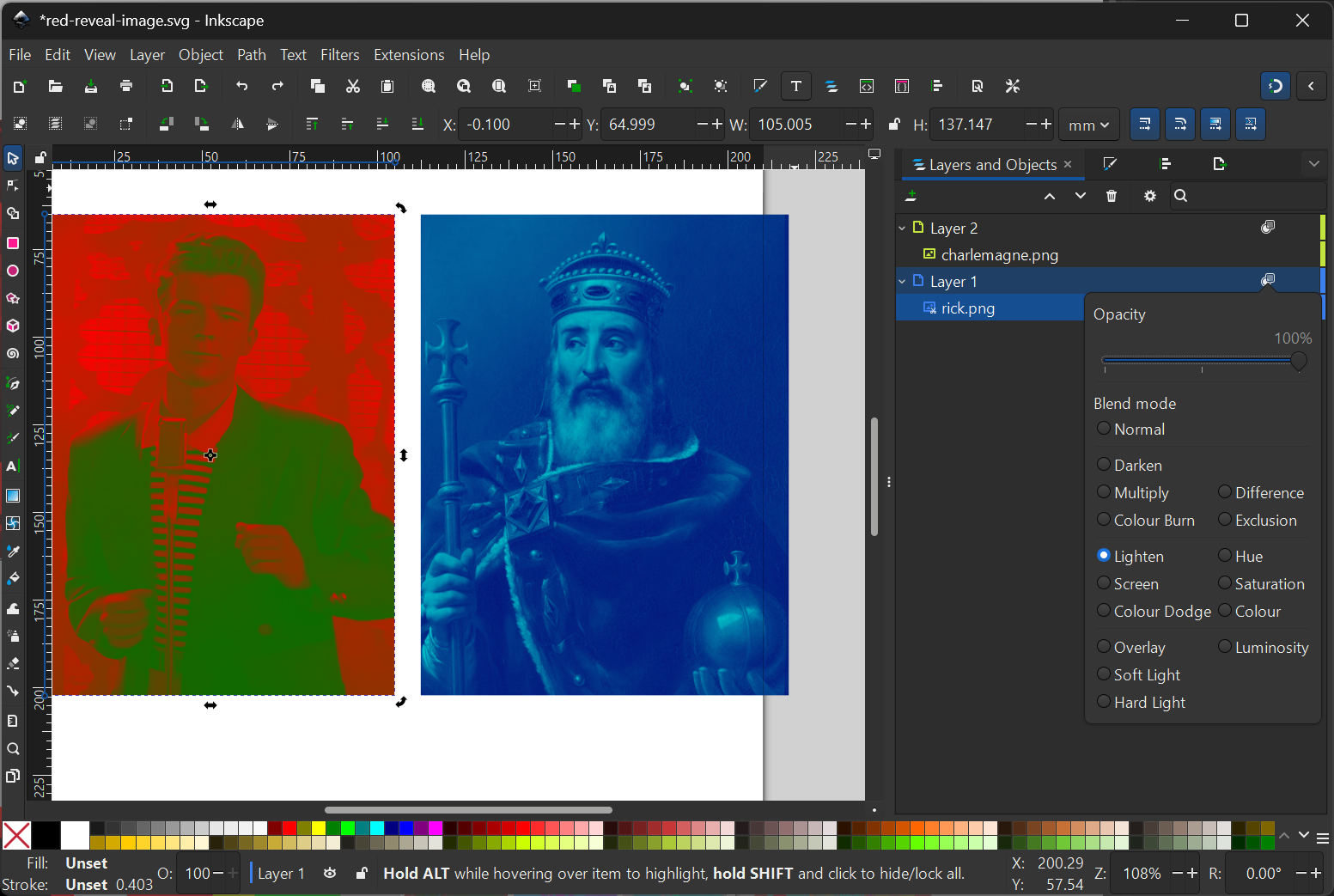
- Cool - time to overlay the images! Go to Layers and Objects and set both layers Blend Mode to Lighten.
- Now overlay one image onto the other and see how it looks, both with and without the filter.
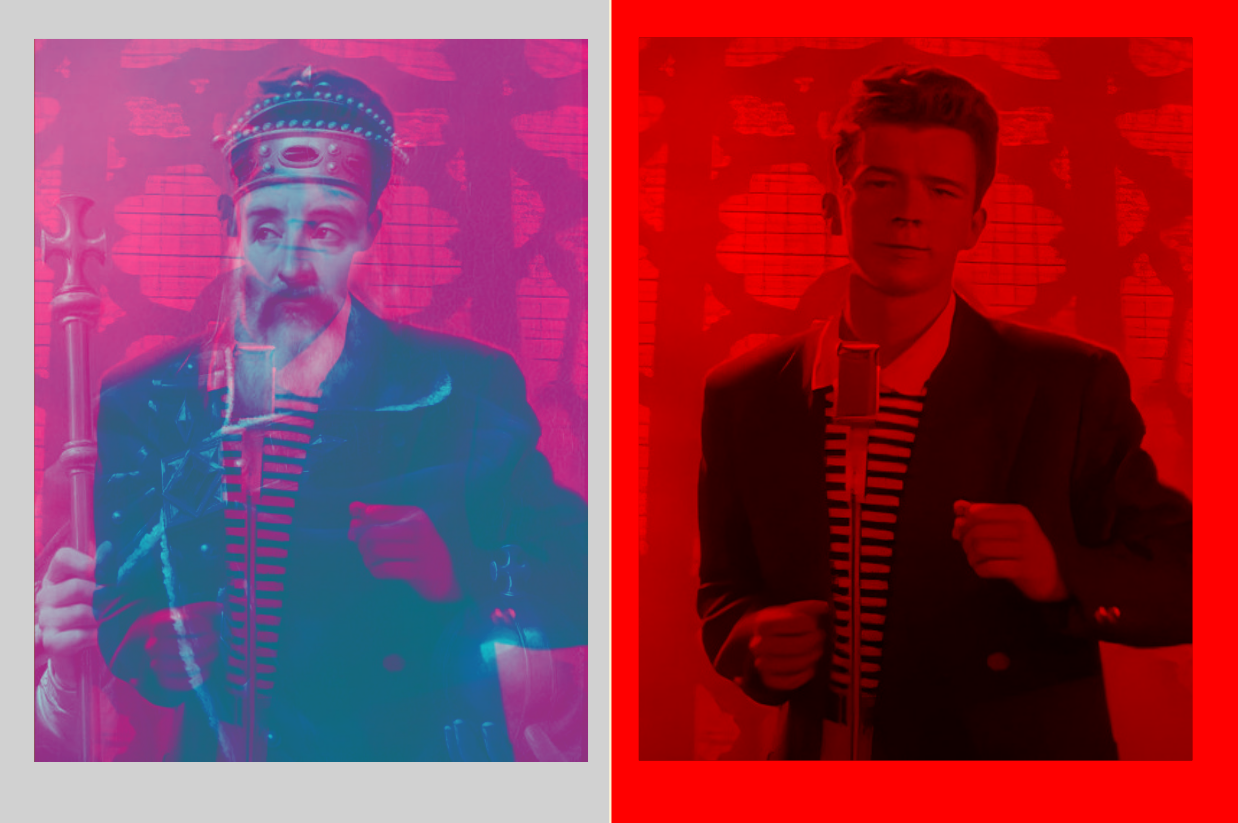
Spoilers: it will probably look kind of crap! This kind of red reveal is really hard to get right. You will want to spend some time playing with different colours in the Duochrome filter until you get something you're happy with. Or try a different noise image if you're finding there are parts of your secret image that just look super obvious.
Does it print?
Usually, no. I find the conversion from RGB on the screen to CYMK in print breaks your carefully balanced colour choices. This usually manifests in the secret image being way too obvious after printing.
For this reason I've only used this type of red reveal on a screen. If you've found a good way to choose colours that print well, let me know! I would love to hear about it.
Reddy for anything
I'm not kidding about wanting to see more red reveals. If you make your own I would love to see it, so stick yours in the comments or message us on Instagram/other socials.
And we're always looking for more excuses to do bespoke commissions like this - get in touch! hi@dreamcat.uk if your event could use a "wow!" puzzle or a game to keep 200+ people busy at once.
About the author
We are a motley crew of puzzle designers and hackers based in London. Our interests include misc programming, microelectronics, 3D printing, prop making, creative storytelling and of course puzzle design.
Comments
Join the discussionNo comments yet. Be the first to comment.